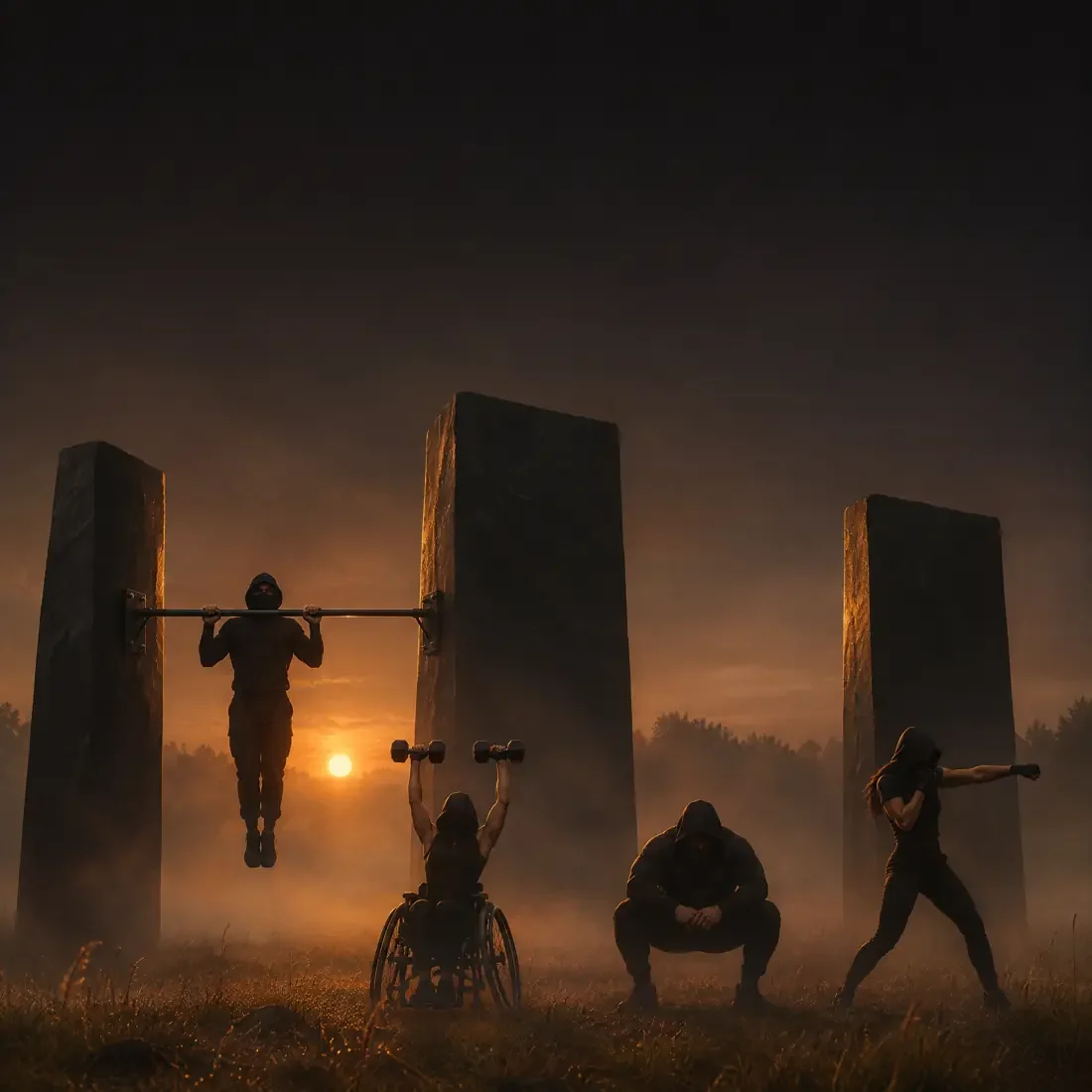
Earn every level.
Calisthenics and strength for any body: standing, supported or seated. Train at home with a towel and a table, at a park bar, or in the gym.
Works on any phone or computer. No account, no ads, nothing to install. Available in 13 languages.
Every move is a ladder.
Start on the step that fits you today. Hit the top of the rep range and the app moves you up a step. On a bad day, step down. That still counts.
 1Wall push-up
 2Incline push-up
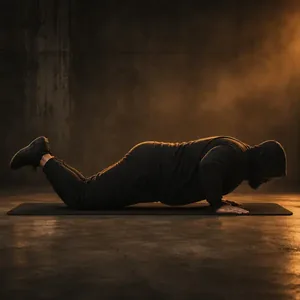 3Knee push-up
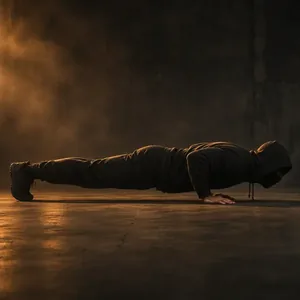 4Push-up
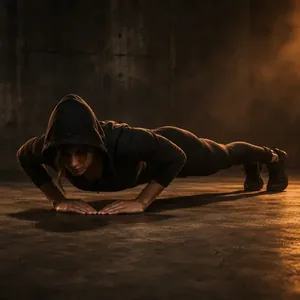 5Diamond push-upIn Foundations
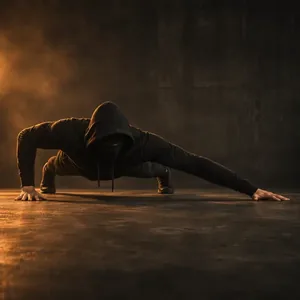 6Archer push-upIn Foundations
The push ladder. Squat, pull, hinge and core work the same way, and Foundations adds dips, handstands, fight conditioning, and hang and grip.
A coach in your pocket
Times every set and every rest, reads the steps out loud, and tells you when you've earned the next step.
A moving demo for every move
Short looping demos show exactly what each step looks like before you try it.
No kit needed
Towel rows, table rows and a backpack for weight. Got a park bar or a gym? Every ladder has swaps for those too.
Your training diary
Write or sketch how a session went, what felt strong and what hurt.
Easy to see, easy to use
Big text, a high-contrast mode, and large buttons. It works offline once it's open.
Saves by itself
Your progress saves as you go. Make a backup to move it to a new phone or your computer.
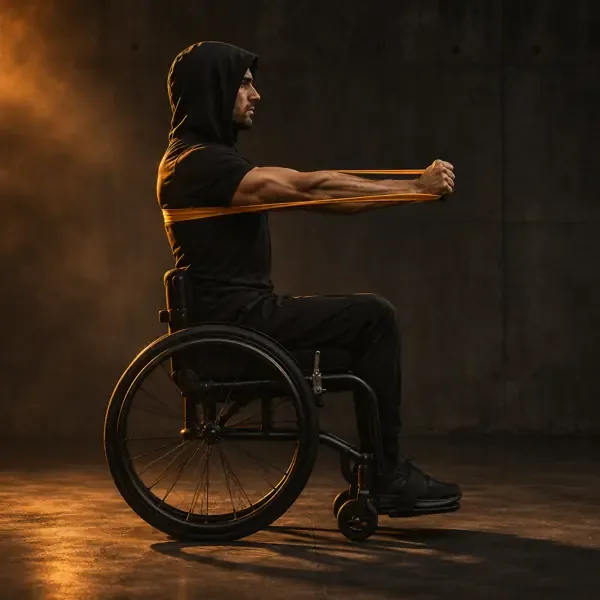
Seated? Every ladder has a seated track.
Tell the app how you move: standing, standing with support, or seated, with or without leg movement. Every session is then built around you, with moves like table push-backs, towel door rows and band press-outs, and real progress all the way up.
Start free. Climb further.
First Steps is free for good. When you're ready, Foundations picks up where you left off: your setup, your ladder steps and your diary come with you.
| First StepsFree | Foundations€19, one-time payment | |
|---|---|---|
| Length | 2 weeks | 8 weeks |
| Sessions | 3 full-body sessions a week | 4 a week: Upper, Lower, Fight, plus an optional skill day |
| Ladders | 5: push, pull, squat, hinge, core | All 9: adds dip, overhead to handstand, fight conditioning, hang and grip |
| How high you climb | Up to the full push-up, pull-up and Bulgarian split squat | Skill steps: archer push-ups and pull-ups, pistol squats, Nordic curls, L-sit, handstand push-up |
| Check-ins | Not included | At the start, week 4 and week 8, so you can see your climb |
| Bad days | Step down any time | 10-minute versions of every session |
| Guides | Kit guide and 5 lessons | Guides for older and bigger bodies, wheelchair users, women, joint pain and more |
| To print | PDF guide | 30-page workbook with weekly logs |
Prefer a file you keep? Download First Steps with the printable guide.
You get the app to download, a private link to use it online, and the 30-page workbook. Checkout is handled by Gumroad.
Ready in two minutes.
Open it
Tap Start First Steps. It runs right in your browser on any phone or computer.
Answer a few questions
How you move, what kit you have, any joints to protect. The course fits itself to you.
Train
The app picks your step on every ladder, times your sets, and moves you up as you get stronger.
On iPhone: open it in Safari, tap the Share button, then Add to Home Screen before you start. It then opens like an app and your progress stays safe on your phone.
Questions
Do I need any equipment?
No. Every ladder has free options using things you already have: a towel in a door, a sturdy table, a kitchen counter and a backpack for extra weight. If you have a resistance band, a pull-up bar or a gym, the app uses those too.
I use a wheelchair, or I can't stand for long. Can I do this?
Yes. Choose seated or standing with support during setup. Every ladder then gives you seated or supported steps, and leg ladders are swapped for extra upper-body work if you don't have leg movement.
I'm a complete beginner, older, or carrying extra weight.
That's who the first steps are for. Every ladder starts easy, like a wall push-up or sit-to-stand from a chair, and floor moves can be done on a bed or sofa. Foundations also has guides for older and bigger bodies.
Is it safe?
It's general exercise guidance for adults, not medical advice. The app starts with a short safety check and shows clear stop signs. If you have a health condition, are pregnant or recovering from an injury, check with your doctor, physio or midwife before you start. Under 18? Get a parent or guardian's OK.
Where is my progress saved? Can I use my phone and my computer?
Progress saves by itself on the device you're using. Nothing is sent anywhere, and there's no account. To move to another phone or computer, go to Settings, then Back up progress, and restore it on the other device.
Which languages does it come in?
English, Español, Português, Français, Deutsch, Italiano, Polski, Latviešu, Русский, Türkçe, العربية, हिन्दी and Bahasa Indonesia. It opens in your phone's language, and you can switch from the globe menu. The printable PDFs are in English.
How do I get Foundations after paying?
Gumroad emails you straight away with the download, the printable workbook and your private link to use it online. Already did First Steps? Use Continue from First Steps in the app to carry your progress over.
Can I share it?
Share First Steps with anyone you like. Foundations is for your own personal use, so please don't share or resell the files. Coaches: message us on Instagram about a team licence.